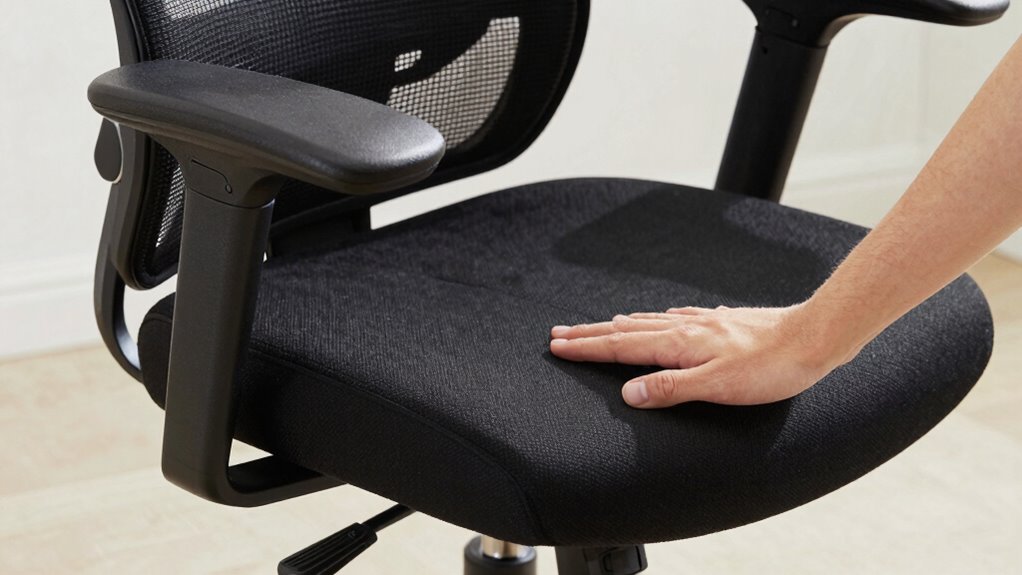

To guarantee a proper office chair fit, start by adjusting the seat depth so you sit fully against the lumbar support, with 2-4 inches of space between your knees and the front edge of the seat. Set your lumbar support to match your lower back’s curve for better posture. Finally, position your armrests so your arms are relaxed and elbows stay close to your sides. Keep these adjustments in check, and you’ll find more tips ahead for ideal comfort.
Key Takeaways
- Adjust seat depth so there’s a 2-4 inch gap between your knees and the chair’s front edge for comfort and circulation.
- Position lumbar support to align with your lower back’s natural curve, encouraging proper posture.
- Sit fully back against the lumbar support to prevent pelvic tilting and support the spine.
- Set armrests so your elbows stay close to your sides, with forearms parallel to the ground, reducing shoulder strain.
- Ensure seat height allows your feet to rest flat on the floor, promoting overall ergonomic alignment.
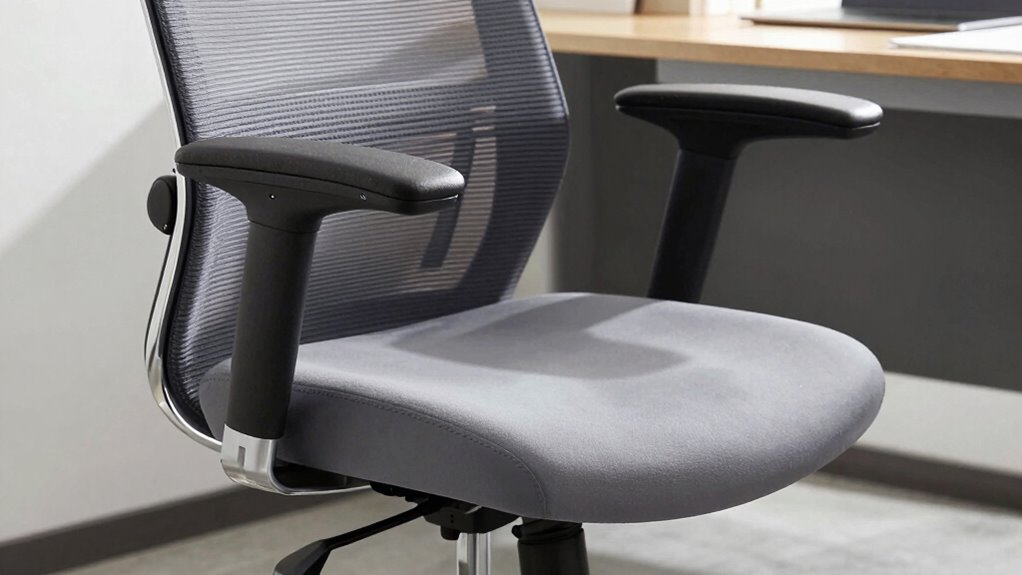
Choosing the right office chair fit is essential for maintaining comfort and preventing strain during long work hours. When you properly adjust your chair’s seat depth, lumbar support, and armrests, you’re making ergonomic adjustments that promote better posture correction and reduce discomfort. These adjustments aren’t just about comfort; they help prevent common issues like back pain, neck strain, and repetitive stress injuries. Getting your chair set up correctly means you can work more efficiently and stay focused longer.
Start with the seat depth. You want to sit back fully against the lumbar support while leaving enough space between the edge of the seat and the back of your knees. If the seat is too deep, you’ll feel pressure behind your knees, which can restrict circulation and cause discomfort. Conversely, if it’s too shallow, your thighs won’t be supported properly, leading to fatigue. To find the right fit, adjust the seat depth so that about 2 to 4 inches of space exists between the front of the seat and the back of your knees. This position ensures your thighs are supported without putting unnecessary pressure on your legs, helping with posture correction and overall comfort.
Adjust seat depth so there’s 2 to 4 inches of space between your knees and the chair edge for comfort and proper posture.
Next, focus on lumbar support. Your lower back needs proper support to maintain the natural curve of your spine. Many chairs have adjustable lumbar support, so you can move it up or down to align with your lumbar region. When set correctly, it should fill the curve of your lower back, encouraging you to sit upright without slouching. Proper lumbar support prevents your pelvis from tilting backward, which is a common cause of poor posture. Adjust the height and firmness of the lumbar support until it feels natural and supportive, helping you maintain a healthy spinal position throughout the day. Ergonomic design features can enhance the effectiveness of these adjustments.
Finally, set up your armrests. They should support your arms comfortably without elevating your shoulders or forcing your elbows into awkward positions. When adjusting armrests, aim for a position where your elbows are close to your sides, and your forearms are parallel to the ground. This setup minimizes shoulder tension and reduces strain on your neck. If your armrests are adjustable in height, raise or lower them so your arms rest gently, not tense or elevated. Proper armrest positioning allows you to keep your shoulders relaxed and promotes better overall ergonomics, which is crucial for posture correction.
Frequently Asked Questions
How Often Should I Adjust My Office Chair for Optimal Comfort?
You should adjust your office chair whenever you notice discomfort or your ergonomic posture feels compromised, ideally at least once a week. Regular chair adjustments help maintain proper support and reduce strain. Make small tweaks to seat depth, lumbar, and armrest settings as needed, especially when changing tasks or after sitting for extended periods. Staying proactive with your chair adjustment frequency guarantees ongoing comfort and helps prevent musculoskeletal issues.
Can I Customize My Office Chair for Different Users?
Yes, you can customize your office chair for different users. Imagine a shared workspace where each person adjusts the chair’s seat depth, lumbar support, and armrests to fit their body. This multi-user setup guarantees everyone stays comfortable and maintains good posture. To achieve this, choose a chair with easy-to-adjust settings, so each user can quickly personalize the chair to their needs, promoting better comfort and productivity.
What Signs Indicate My Chair Needs a Replacement?
If your chair shows signs of ergonomic wear, like persistent discomfort, squeaking, or wobbling, it’s time for a replacement. The chair’s lifespan varies but generally lasts 5-10 years with regular use. Look for worn-out padding, broken armrests, or unstable casters. These issues can compromise support and comfort, making your workspace less ergonomic. Replacing your chair guarantees continued support and prevents long-term discomfort or injury.
Are There Ergonomic Standards for Office Chair Design?
Yes, there are ergonomic standards for chair design that prioritize your comfort and health. These standards guarantee your chair supports proper posture, offers adjustable features, and promotes movement. When choosing a chair, look for adjustable seat height, lumbar support, and armrests that match ergonomic guidelines. Following these standards helps prevent discomfort and injuries, making your workspace safer and more comfortable for long hours.
How Do I Maintain and Clean My Office Chair Properly?
Sure, because who doesn’t love spending time cleaning their chair? To keep your office chair in top shape, do regular chair maintenance and follow simple cleaning tips. Wipe down surfaces with a damp cloth, vacuum fabric crevices, and avoid harsh cleaners. For the wheels and base, use a brush or compressed air. These small steps extend your chair’s life and keep you comfortable, so don’t skip them!
Conclusion
To get the perfect office chair fit, focus on adjusting seat depth, lumbar support, and armrests to match your body. When you set it up right, you’ll feel more comfortable and less prone to aches. Did you know that poor ergonomics can lead to a 50% increase in musculoskeletal problems? Taking a few minutes to customize your chair can make a big difference in your daily comfort and long-term health—so don’t skip these essential adjustments.