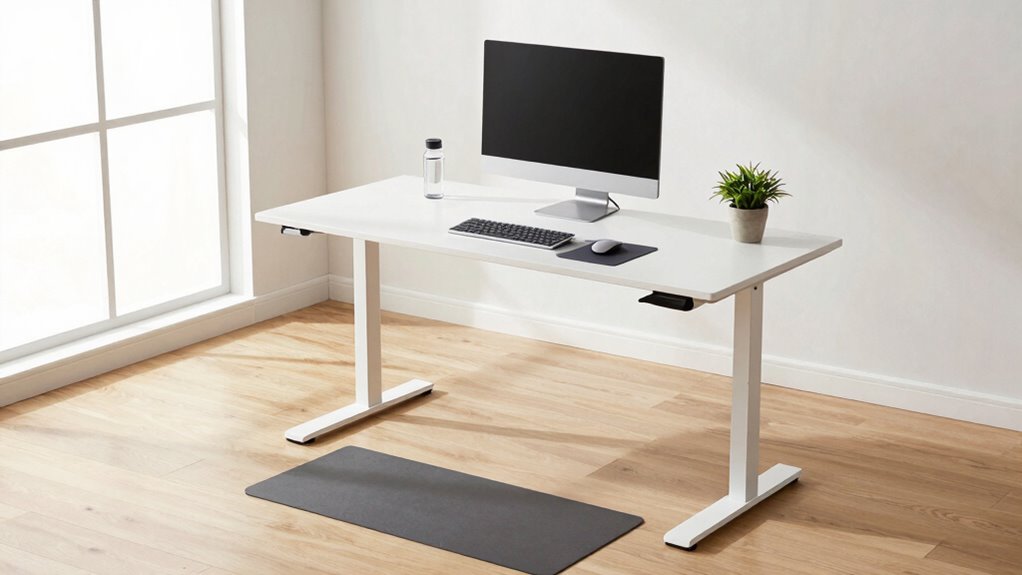

To prevent daily discomfort at your standing desk, set it at elbow height with a 90-degree bend in your elbows and make sure your monitor is at eye level, about an arm’s length away. Use ergonomic accessories like adjustable monitor arms and footrests to support proper posture. Shift your weight regularly, take movement breaks, and wear supportive shoes. Fine-tuning your setup and listening to your body helps avoid strain—keep going to discover more tips for a comfortable workspace.

Get everyday essentials delivered free with Prime
- Fast, free delivery on millions of items
- Prime Video, Amazon Music and more included
- Member-only deals all year
Key Takeaways
- Adjust the desk height so your elbows are at a 90-degree angle, with forearms parallel to the floor.
- Use ergonomic accessories like monitor arms and footrests to maintain proper alignment and reduce strain.
- Keep the monitor at eye level and about an arm’s length away to prevent neck and eye fatigue.
- Shift your weight regularly, avoid locking knees, and take movement breaks to improve circulation.
- Reassess and modify your workspace periodically to ensure ongoing comfort and proper posture.
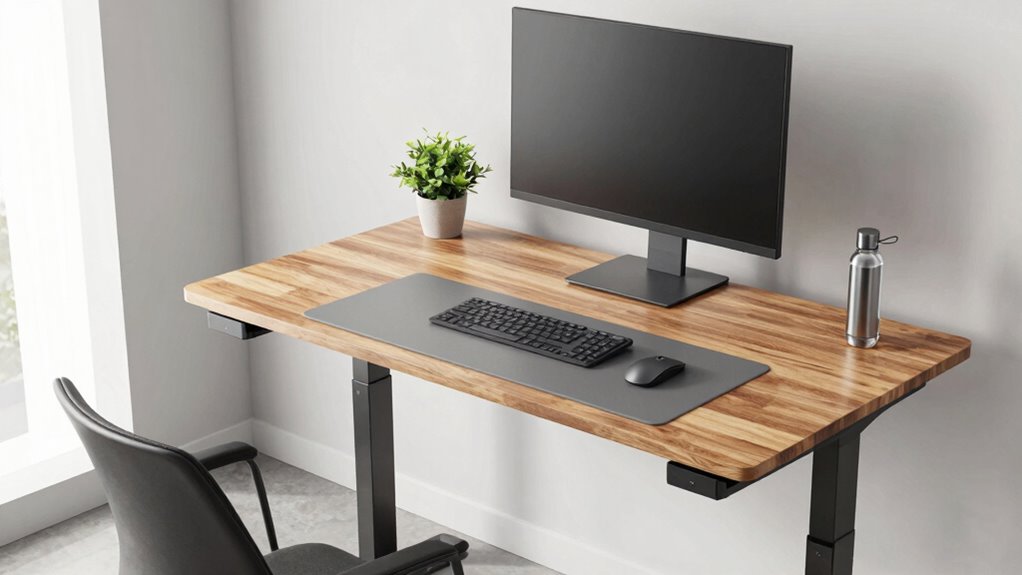
Setting up your standing desk properly is essential to maximize comfort and reduce strain throughout your workday. When you get the setup right, you’ll notice less fatigue, fewer aches, and a more productive work session. The first step is adjusting your desk height. Your desk should be at a level where your elbows are bent at about a 90-degree angle when your hands rest comfortably on the surface. This position helps prevent shoulder and neck tension caused by reaching up or hunching over. Many standing desks are adjustable, so take the time to fine-tune the height until your forearms are parallel to the floor. If your desk isn’t adjustable, consider using ergonomic accessories like adjustable monitor arms or keyboard stands to bring your work tools to the optimal height.
In addition to desk height, ergonomic accessories play a vital role in maintaining proper posture. Invest in an anti-fatigue mat to reduce strain on your legs and feet, especially if you plan to stand for extended periods. Proper footwear also makes a difference—wear supportive shoes that cushion your feet and help distribute your weight evenly. To further improve your posture, use a monitor stand or adjustable arm to position your screen at eye level. Your gaze should naturally fall on the top third of the screen, preventing neck strain from looking down or up excessively. Keep the monitor about an arm’s length away from your eyes to reduce eye fatigue. Incorporating ergonomic principles into your workspace setup can significantly enhance comfort and prevent musculoskeletal issues. Regularly adjusting your workspace setup based on body movement and comfort feedback can further improve long-term ergonomics. Being mindful of body mechanics during your workday can help prevent repetitive strain injuries and promote better overall health. Additionally, paying attention to posture awareness can help you maintain optimal alignment and reduce the risk of developing chronic discomfort. It’s also helpful to incorporate movement breaks into your routine to counteract prolonged standing and promote circulation.
Remember to shift your weight periodically and avoid locking your knees. Standing in one position for too long can cause discomfort, so take short breaks to stretch or walk around. Incorporate ergonomic accessories like a footrest if you find it helps relieve pressure on your lower back or legs. A wrist rest can also be beneficial, especially for keyboard use, to keep your wrists in a neutral position. Proper cable management and a clutter-free workspace will improve your overall setup, preventing accidental pulls or awkward postures.
Ultimately, setting your standing desk correctly isn’t a one-and-done task; it’s an ongoing process. Regularly reassess your position, adjust ergonomic accessories as needed, and listen to your body. With a focus on proper desk height and supportive accessories, you’ll create a workspace that promotes comfort, reduces discomfort, and enhances your productivity throughout the day.
As an affiliate, we earn on qualifying purchases.
Frequently Asked Questions
How Long Should I Stand at My Desk Each Day?
You should stand at your desk for about 15 to 30 minutes every hour, gradually increasing as your body adapts. During this time, focus on posture correction by keeping your shoulders relaxed and your core engaged. Use foot support, like a cushioned mat or anti-fatigue mat, to reduce strain. Remember to switch between sitting and standing to prevent fatigue and promote comfort throughout your workday.
Can Standing Desks Help Reduce Back Pain?
Yes, standing desks can help reduce back pain when you focus on posture awareness and adjust the desk height properly. By maintaining an ergonomic setup, you keep your spine aligned, avoiding strain. Make sure your desk is at the right level so your elbows are at a 90-degree angle and your monitor is eye level. Regularly shifting positions and practicing good posture can considerably alleviate back discomfort.
What Accessories Improve Standing Desk Ergonomics?
Think of your workspace as a symphony, where every accessory plays an essential role. Foot support cushions your feet, reducing fatigue and promoting better posture. Adjust your monitor height to eye level, preventing neck strain. Ergonomic accessories like anti-fatigue mats and adjustable monitor stands create harmony, ensuring comfort throughout your workday. These simple additions turn your standing desk into a well-tuned instrument, helping you stay comfortable and productive.
Is It Better to Alternate Between Sitting and Standing?
Yes, alternating between sitting and standing is better for your health. It helps you maintain posture awareness and reduces strain on your muscles and joints. To do this comfortably, choose supportive footwear that absorbs impact and keeps you balanced. Regularly switching positions prevents fatigue and discomfort, ensuring you stay energized and focused throughout the day. Remember, listening to your body is key to avoiding overuse and maintaining ideal ergonomics.
How Do I Stay Motivated to Stand More Often?
To stay motivated to stand more often, set small, achievable goals and use motivational prompts like reminders on your phone or workspace. Wear ergonomic footwear to keep comfort high, making standing less tiring. Keep a visual cue nearby, like a sticky note or timer, to remind you to switch positions regularly. Celebrating your progress and focusing on the health benefits can also boost your motivation to stand more throughout the day.
Conclusion
By following these standing desk setup rules, you can prevent daily discomfort and stay productive. Some might think standing all day is tiring, but with proper posture and regular breaks, it becomes manageable and even beneficial. Remember, consistency is key—adjust your workspace as needed and listen to your body. With these simple tips, you’ll enjoy a healthier, more comfortable workday without sacrificing your energy or focus. Stay mindful and stand tall!
Halloween Picks
halloween
As an affiliate, we earn on qualifying purchases.