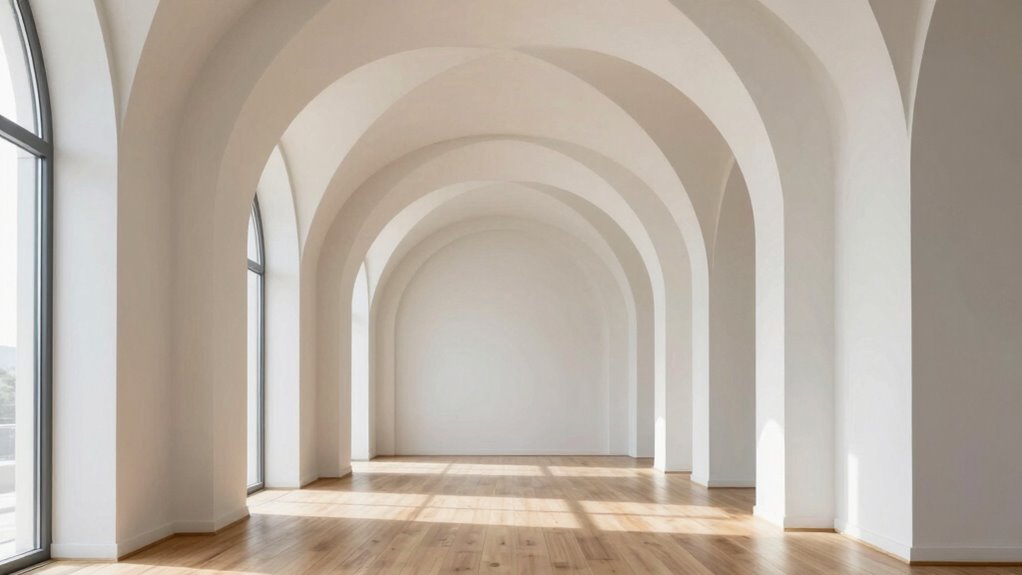

To create better visual flow with repeated shapes, use consistent shapes to guide the viewer’s eye while introducing subtle variations in size, orientation, or thickness to keep it interesting. Incorporate color contrast to highlight key areas and establish focal points, making the flow feel natural. Balancing repetition with variation and contrast helps build familiarity without monotony. Keep experimenting with these techniques, and you’ll discover how to craft a seamless, engaging visual experience.

Get everyday essentials delivered free with Prime
- Fast, free delivery on millions of items
- Prime Video, Amazon Music and more included
- Member-only deals all year
Key Takeaways
- Use consistent shapes to establish familiarity and guide the viewer’s eye naturally through the design.
- Incorporate subtle variations in size, orientation, or line weight to maintain interest and prevent monotony.
- Apply strategic color contrast to highlight key shapes and create visual hierarchy.
- Balance repetition with variation to achieve a dynamic yet cohesive visual rhythm.
- Leverage shape placement and contrast to direct attention and create a smooth visual flow.
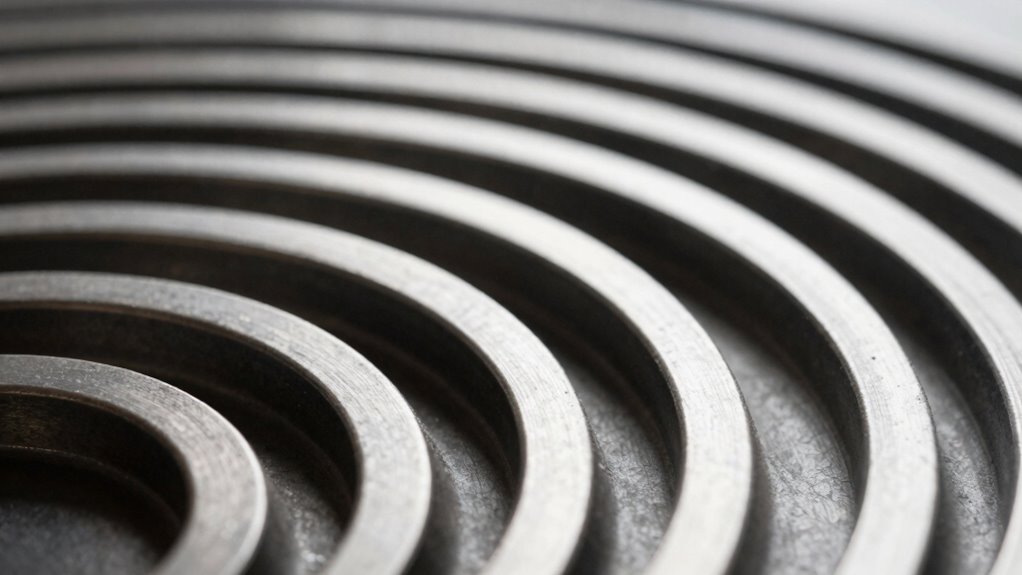
Repeated shapes are a powerful tool for guiding the viewer’s eye through a design, creating a sense of rhythm and cohesion. When you use this technique effectively, your design becomes more engaging and easier to navigate. To achieve this, consider how color contrast and shape variation work together to enhance visual flow. Color contrast can draw attention to specific areas, making your repeated shapes stand out or blend in, depending on your intent. Bright, bold colors against muted backgrounds create focal points, while subtle variations in hue can establish a gentle rhythm that moves the eye smoothly across the layout. You want to strike a balance—too much contrast can create chaos, while too little can make your design feel flat. Use contrast deliberately to emphasize or de-emphasize repeated shapes, guiding viewers naturally through your message. Recognizing the importance of visual hierarchy helps in organizing these elements for maximum impact. Shape variation is equally important. Repeating the same shape too rigidly can become monotonous, but slight variations keep the viewer interested. Adjust size, orientation, or line thickness of your shapes, so they appear related but dynamic. This variation prevents your design from feeling static or repetitive in a boring way. For instance, if you’re using circles, try introducing elongated ovals or overlapping shapes to add depth and movement. These subtle differences create a visual heartbeat, leading the eye from one shape to the next without confusion. When combined with contrasting colors, shape variation becomes a powerful way to establish hierarchy and flow. For example, a series of similar shapes in varying shades can guide the viewer’s eye through a sequence, from the most prominent to the more subdued elements. Incorporating repeated shapes with intentional contrast and variation isn’t just about aesthetics—it’s about communication. Your goal is to lead viewers effortlessly through your content, highlighting key points and creating a cohesive experience. Use repetition as a backbone, but don’t be afraid to play with contrast to highlight important elements. Keep your shapes consistent enough to establish familiarity, but vary enough to keep things interesting. When you master this balance, your visual flow becomes fluid and intuitive, making your design more compelling and easier to understand. It’s all about guiding the eye naturally, creating a rhythm that feels both deliberate and engaging.
Popular right now

Shark Rotator Lift-Away Upright Vacuum with HEPA Filter (NV501)

De'Longhi Magnifica Evo Fully Automatic Espresso Machine with Manual Milk Frother, Silver

KitchenAid Classic Series 4.5-Quart Tilt-Head Stand Mixer, Onyx Black
As an affiliate, we earn on qualifying purchases.
Frequently Asked Questions
How Do Colors Affect Visual Flow With Repeated Shapes?
Colors markedly influence visual flow with repeated shapes by guiding your eye through the design. Using color psychology, you can evoke specific emotions, making certain shapes stand out or recede. Employ hue harmony to create a cohesive look, ensuring your repeated shapes guide viewers smoothly across the layout. When colors complement or contrast effectively, they enhance the rhythm and balance, strengthening the overall visual flow and making your design more engaging.
Can Irregular Shapes Improve Visual Flow?
Yes, irregular shapes can improve visual flow by adding unpredictability and visual interest. When you use irregular shapes with varying symmetry, your pattern becomes more dynamic, guiding the viewer’s eye smoothly through the design. Incorporate a mix of simple and complex pattern elements, balancing symmetry and asymmetry, to create a flow that feels engaging and natural. This approach keeps your audience engaged and enhances overall visual harmony.
What Role Does Spacing Play in Repeated Shape Design?
Spacing acts like the rhythm in a well-conducted symphony, guiding your eye smoothly across repeated shapes. It emphasizes pattern symmetry and shape hierarchy, ensuring each element has room to breathe. Proper spacing creates a visual pathway, preventing clutter and confusion. You’ll find that consistent gaps highlight relationships among shapes, making your design more cohesive and engaging—allowing viewers to follow the flow effortlessly like a dance.
How to Balance Repetition and Variety Effectively?
To balance repetition and variety effectively, focus on creating pattern harmony by varying shape size, orientation, or color while maintaining a consistent theme. This approach enhances visual rhythm, guiding the viewer’s eye smoothly across your design. You can introduce subtle differences to keep the pattern engaging without disrupting flow. Regularly step back and assess whether the repetition feels cohesive yet dynamic, ensuring your visual flow remains mesmerizing and balanced.
Are There Software Tools for Creating Repetitive Shape Patterns?
Yes, you can use software tools like Adobe Illustrator, Affinity Designer, or CorelDRAW to create repetitive shape patterns. These tools offer features to maintain pattern symmetry and shape hierarchy, making it easy to develop visually appealing designs. They allow you to precisely control the repetition, scale, and arrangement of shapes, ensuring your pattern flows smoothly. Experimenting with these tools helps you balance repetition and variety effectively, enhancing your visual compositions.
Conclusion
By repeating shapes, you craft a seamless river that guides the eye effortlessly across your design. Imagine each shape as a gentle wave, flowing naturally from one to the next, creating a sense of harmony and movement. When you master this technique, your visuals will feel like a mesmerizing journey—smooth, inviting, and full of rhythm. Embrace the repetition, and watch your composition come alive with vibrant, unstoppable energy.