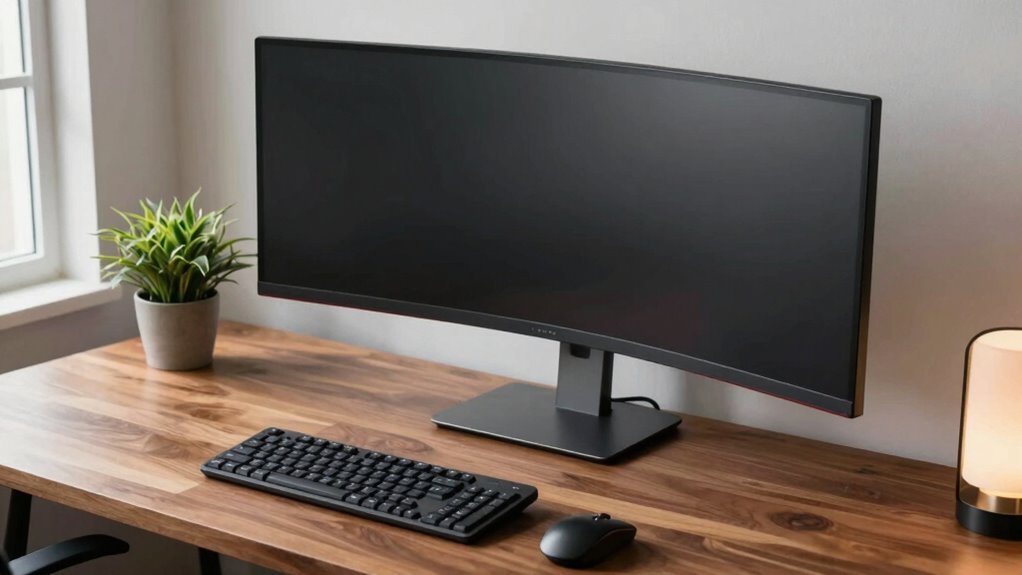

Many people ignore proper monitor height, causing neck strain and discomfort over time. You might be tempted to place your screen too low or too high, which forces you to look up or down constantly. This poor setup can lead to long-term issues like headaches and musculoskeletal problems. To avoid these problems, make sure your monitor is at eye level, maintaining a neutral neck position. Keep exploring to discover simple tips for a healthier workspace.

Get everyday essentials delivered free — and shop member deals
- Fast, free delivery on millions of items
- Access to Prime Big Deal Days deals on October 6–7
- Prime Video, Amazon Music and more included
Key Takeaways
- Many people set monitors too low or too high, causing neck strain and discomfort over time.
- Ignoring proper monitor height leads to poor posture, eye fatigue, and increased risk of musculoskeletal issues.
- Adjustable stands or risers are affordable solutions to ensure the monitor aligns with eye level.
- Proper monitor placement supports a neutral neck position, reducing headaches and promoting better focus.
- Small ergonomic adjustments in monitor height significantly improve comfort and prevent long-term health problems.
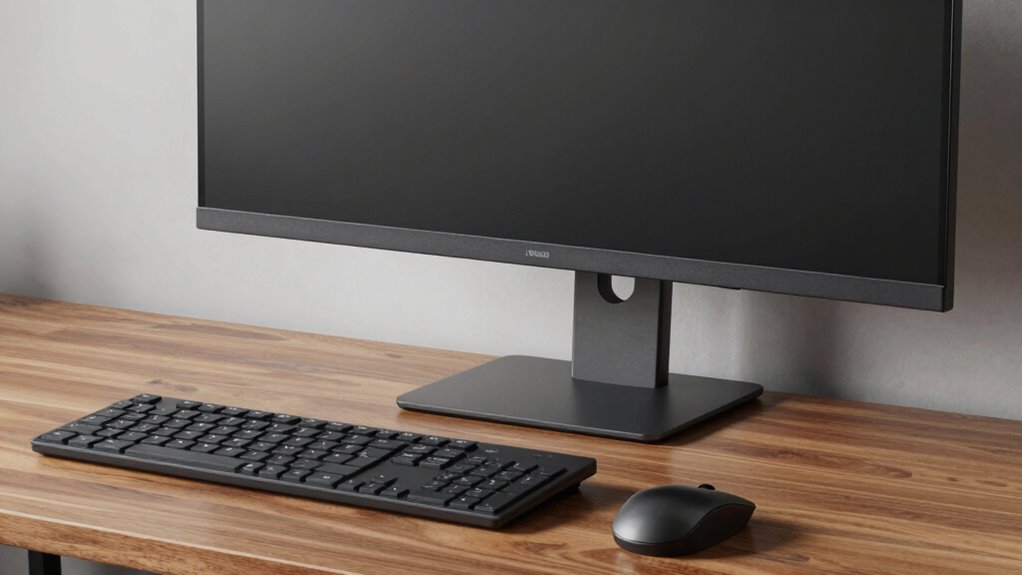
A poorly arranged desk can lead to discomfort, reduced productivity, and even long-term health issues. One of the most overlooked aspects of an effective workspace is ensuring your monitor height aligns properly with your eye level. Many people ignore this rule, risking neck strain, eye fatigue, and poor posture. To fix this, investing in ergonomic accessories can make a considerable difference. Adjustable monitor stands or risers are affordable options that allow you to raise your screen to the ideal height, preventing you from looking down or up for extended periods. When your monitor is at eye level, you maintain a neutral neck position, reducing stress on your cervical spine and decreasing the likelihood of headaches.
However, simply adjusting the monitor isn’t enough. Your chair positioning plays a vital role in supporting a healthy setup. If your chair isn’t properly aligned, even a perfectly positioned monitor can leave you feeling uncomfortable after hours. You want your chair to support your lower back, with your feet flat on the ground and your knees at a 90-degree angle. Your hips should sit evenly in the chair, promoting good posture and allowing your spine to stay straight. When your chair is correctly positioned, it encourages you to sit upright, which naturally aligns your head and neck with your monitor.
Many people tend to sit too far back or too far forward, which can cause strain in your shoulders and neck. Adjust your chair height so that your elbows rest comfortably at your sides, forming about a 90-degree angle when typing or using a mouse. This position takes unnecessary pressure off your shoulders and wrists, helping you maintain comfort throughout the day. When your chair supports your lumbar region, it encourages proper spinal alignment, which complements the correct monitor height. Proper ergonomic setup can significantly reduce fatigue and prevent musculoskeletal issues over time.
It’s also essential to remember that ergonomic accessories, like footrests or ergonomic keyboards, work best when combined with proper chair positioning. These additions help you maintain a balanced, comfortable posture, preventing fatigue and musculoskeletal issues. Proper chair positioning ensures your body is aligned in a way that minimizes strain, while ergonomic accessories help support that alignment. Together, they create a workspace that promotes long-term health and productivity, rather than contributing to discomfort and fatigue. Ignoring the monitor height rule and neglecting proper chair positioning can turn a simple desk setup into a source of pain and inefficiency, but making small adjustments can greatly improve your comfort and well-being.
As an affiliate, we earn on qualifying purchases.
Frequently Asked Questions
How Do I Adjust My Monitor Height for Different Sitting Positions?
To adjust your monitor height for different sitting positions, start by setting your ergonomic chair to your preferred height. Use an adjustable stand to raise or lower your monitor so the top of the screen is at eye level, regardless of your position. This way, you maintain a comfortable neck posture. Always check that your monitor stays aligned with your eyes, whether you sit upright or lean back.
What Tools Can Help Measure Correct Monitor Height?
Think of ergonomic tools as your trusty compass guiding you through the maze of perfect monitor height. Use measurement techniques like a ruler, a tape measure, or a smartphone app to find the ideal level. These tools help you guarantee your monitor’s top is at eye level, reducing strain. With these measurement techniques, you’ll set your monitor height accurately, creating a comfortable workspace where your neck and eyes stay happy.
Can Monitor Height Affect Eye Strain Over Long Periods?
Yes, monitor height definitely affects eye strain over long periods. If your monitor isn’t positioned correctly, you’ll strain your eyes trying to focus or constantly tilt your head. Proper monitor positioning, with the top of the screen at or just below eye level, helps reduce eye strain by minimizing unnecessary movement and maintaining a comfortable viewing angle. Adjust your monitor height to keep your eyes relaxed and avoid fatigue during extended work sessions.
How Often Should I Reassess My Desk Setup?
You should reassess your desk setup every few months to guarantee comfort and ergonomics. Adjust your ergonomic chair and desk height as needed, especially if you notice discomfort or fatigue. Regularly checking your monitor height and position helps prevent eye strain. By staying proactive and making small tweaks, you create a healthier workspace that supports your posture and reduces long-term strain.
Are There Ergonomic Standards for Monitor Height in Different Professions?
Did you know that over 60% of workplaces lack ergonomic certification? Different professions do have industry-specific standards for monitor height; for example, desk workers should keep their screens at eye level, while graphic designers might need slightly higher setups for precision. To stay safe and comfortable, you should follow these standards and consider reassessing your monitor height regularly, ensuring your setup supports your posture and reduces strain.
Conclusion
Ignoring the monitor height rule is like inviting a back pain tsunami into your life; it’s more destructive than you think. By adjusting your monitor to eye level, you’ll save yourself from a world of discomfort and potential long-term damage. Don’t let a simple mistake turn your workspace into a health hazard. Take action now—your back will thank you for it, and you’ll feel like a productivity superhero instead of a victim of preventable pain.
Fall Picks
fall essentials
As an affiliate, we earn on qualifying purchases.