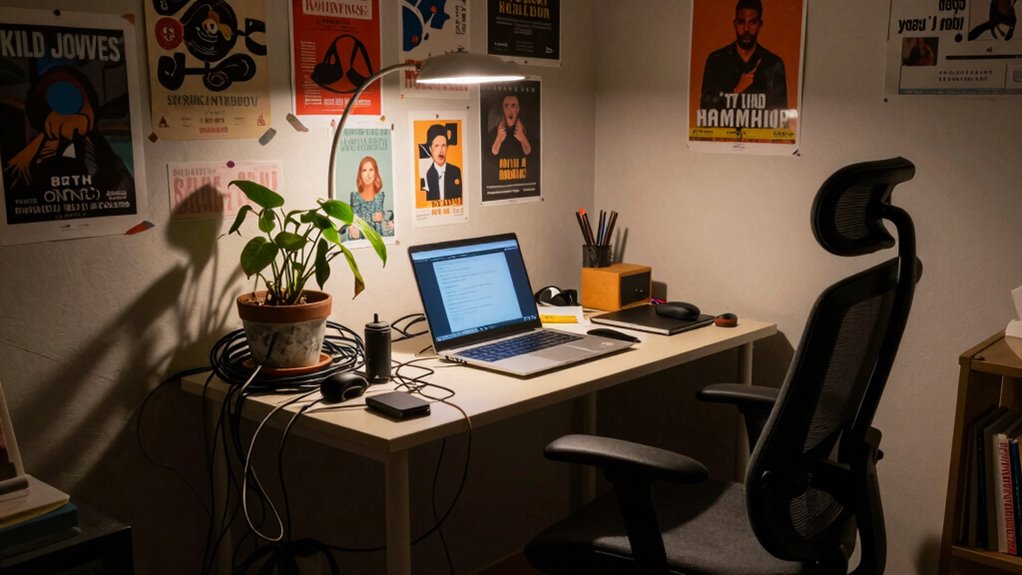

A poor work-from-home setup quietly harms your health and productivity. Slouching on unsuitable furniture or working in clutter causes neck, back, and eye strain, leading to headaches and fatigue. Outdated tech and disorganized spaces waste time, increase frustration, and lower motivation. Over time, neglecting these issues can cause lasting physical problems and mental stress. If you want to avoid these hidden costs, understanding the key fixes can make a big difference.

Get everyday essentials delivered free with Prime
- Fast, free delivery on millions of items
- Prime Video, Amazon Music and more included
- Member-only deals all year
Key Takeaways
- Poor ergonomic setups can lead to chronic pain, long-term health issues, and decreased productivity.
- Outdated technology and slow systems cause frequent disruptions, increasing stress and work delays.
- Disorganized workspaces and inadequate lighting reduce focus, extend task completion times, and cause burnout.
- Ignoring early setup issues results in higher long-term costs due to health problems and tech repairs.
- Lack of workspace optimization and breaks contribute to physical strain and mental fatigue, impairing overall work quality.
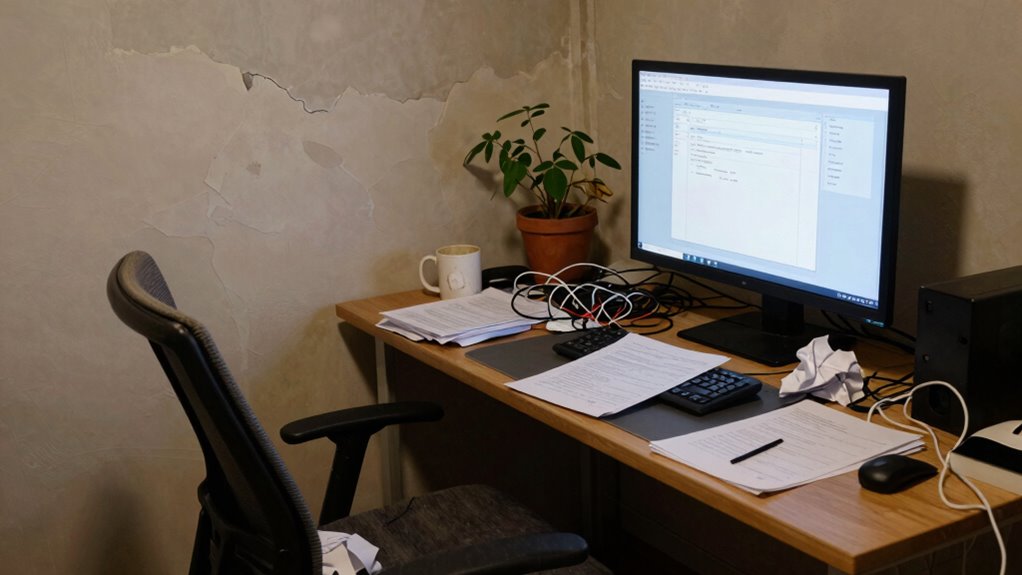
Working from home might seem convenient, but a poor setup can secretly drain your productivity and well-being. When your workspace isn’t properly arranged, you’re more likely to encounter ergonomic pitfalls that lead to discomfort, pain, and long-term health issues. Slouching on an unsuitable chair or hunching over a cluttered desk strains your neck, shoulders, and back, making it difficult to focus or work efficiently. Over time, these physical stresses build up, causing headaches and fatigue that inhibit your ability to get things done. Without investing in ergonomic furniture or adjusting your workspace, you might not notice these problems until they’ve become significant. Additionally, technological frustrations often compound the issues caused by a bad setup, further hindering your productivity. Outdated hardware, slow internet connections, and incompatible software can cause frequent crashes, delays, and lost work. These frustrations quickly add up, disrupting your flow and increasing stress levels. When your equipment isn’t reliable, you spend more time troubleshooting or waiting for files to load, which can be incredibly demotivating. The constant interruptions diminish your efficiency, and the frustration can even lead you to avoid working altogether. It’s tempting to ignore these tech problems or assume they’ll fix themselves, but neglecting them only worsens your productivity and mental well-being over time. A poorly organized workspace also hampers your ability to stay focused. Cluttered desks, misplaced documents, and inadequate lighting create distractions that pull your attention away from your tasks. When your environment isn’t optimized for work, you waste precious minutes searching for essentials or adjusting your setup. This disorganization can lead to delays, missed deadlines, and unnecessary stress. Furthermore, without proper ergonomic considerations, you may develop repetitive strain injuries or eye strain that force you to take frequent breaks, further interrupting your workflow. Recognizing the importance of work environment optimization can help prevent many of these issues before they escalate. Incorporating regular breaks and movement can significantly improve your overall comfort and prevent physical strain during long working hours. Additionally, integrating air quality improvements such as proper ventilation and air purification can play a crucial role in maintaining your focus and health, especially in enclosed workspaces. The true hidden costs of a bad work-from-home setup are often invisible at first but become painfully clear over time. You might notice declining productivity, persistent discomfort, or mounting tech issues, yet ignore their root causes. Investing in a proper ergonomic setup and reliable technology can seem like an upfront expense, but it pays off by boosting your efficiency, reducing physical strain, and minimizing frustrations. When you address these issues early, you protect your health and preserve your ability to work effectively from home. Neglecting them only leads to more significant problems—both physical and mental—that can severely impact your job and overall quality of life.
ergonomic office chair for back pain
As an affiliate, we earn on qualifying purchases.
As an affiliate, we earn on qualifying purchases.
Frequently Asked Questions
How Can I Identify if My Home Workspace Is Ineffective?
You can tell if your home workspace is ineffective by noticing frequent workspace distractions and poor lighting. If you’re often interrupted or struggle to concentrate, your setup may lack focus. Also, if the lighting isn’t optimized, it strains your eyes and reduces productivity. Consider whether your environment feels comfortable and conducive to work. Adjusting lighting and minimizing distractions can substantially improve your efficiency and overall work experience.
What Are Quick Fixes for Common WFH Setup Issues?
Think of your workspace as a garden needing quick nurturing. You can start by adding ergonomic accessories like a supportive chair or keyboard to boost comfort. Brighten your space with simple lighting solutions, such as a desk lamp or repositioning to maximize natural light. These small changes can drastically improve your posture and focus, making your home office more inviting and productive without overhauling everything.
Does a Bad Setup Affect Team Communication?
Yes, a bad setup can definitely affect team communication. When your workspace isn’t optimized, virtual collaboration becomes harder, leading to communication barriers. Poor audio or video quality, distractions, or inadequate equipment can cause misunderstandings or delays. These issues hinder smooth interactions, making it difficult to share ideas or provide feedback promptly. To maintain effective teamwork, investing in a functional workspace helps guarantee clearer communication and stronger virtual collaboration.
How Much Can Poor Ergonomics Cost Long-Term Health-Wise?
Poor ergonomics can considerably impact your long-term health, leading to ergonomic injuries like chronic back, neck, and wrist pain. Over time, these issues can cause persistent discomfort and increase your risk of more serious conditions. You might also experience long-term fatigue, reducing your productivity and overall well-being. Investing in proper ergonomic setup helps prevent these problems, saving you from costly medical treatments and ongoing discomfort down the line.
Are There Affordable Options to Improve My Work-From-Home Environment?
You can definitely improve your budget workspace without breaking the bank. Investing in ergonomic accessories like an adjustable chair cushion or a supportive keyboard can make a big difference. Surprisingly, many affordable options are available online, and DIY solutions can also help. Prioritizing comfort not only boosts productivity but protects your health long-term. Small upgrades often have a big impact, proving that a better work environment doesn’t have to be expensive.
Conclusion
If your home setup is underwhelming, you might be unknowingly costing yourself more than just comfort. Poor ergonomics and distractions can reduce your productivity by up to 40%, leading to missed deadlines and increased stress. Investing in a good workspace isn’t just about comfort; it’s about safeguarding your career and well-being. Don’t overlook the hidden costs—prioritize your setup now to stay focused, efficient, and healthy in the long run.
Halloween Picks
halloween
As an affiliate, we earn on qualifying purchases.