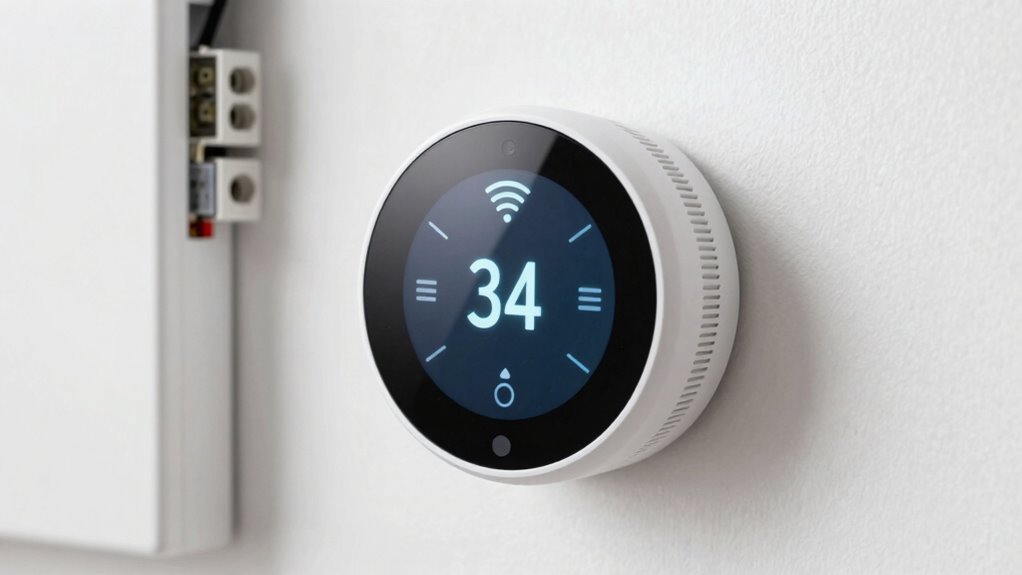

Before buying a smart thermostat, make sure it works with your existing HVAC system, including heat pumps or multi-stage setups. Check if it supports your preferred voice assistant like Alexa or Google Assistant. Confirm compatibility with your smart home ecosystem and Wi-Fi or wiring requirements to avoid installation issues. Proper integration helps you gain access to all smart features, save energy, and maintain seamless control. For more details, you’ll discover important tips to guarantee a smooth setup and full functionality.

Get everyday essentials delivered free with Prime
- Fast, free delivery on millions of items
- Prime Video, Amazon Music and more included
- Member-only deals all year
Key Takeaways
- Verify that the thermostat is compatible with your existing HVAC system, including heat pumps or multi-stage setups.
- Confirm voice assistant support (Alexa, Google Assistant, Siri) for hands-free control.
- Check if your system supports necessary wiring, such as a C-wire, for proper installation.
- Ensure the thermostat can connect to your Wi-Fi network for remote access and updates.
- Consider interoperability with other smart home devices to maximize integration and future-proofing.
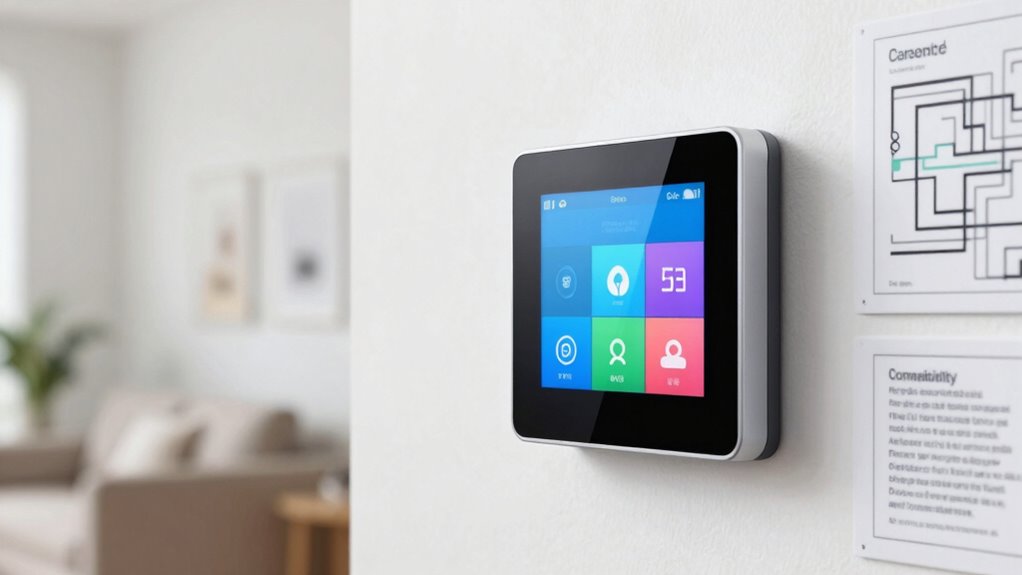
When choosing a smart thermostat, understanding compatibility is vital to guarantee it works seamlessly with your existing heating and cooling systems. Before making a purchase, you need to verify that the device can connect properly with your setup. Not all thermostats work with every system, so check the manufacturer’s specifications carefully. If you have a traditional HVAC system, confirm the thermostat supports it, especially if you have a heat pump, multi-stage system, or a system with auxiliary heat. Compatibility issues can prevent the thermostat from functioning correctly or limit its features, such as voice control, which many models now offer.
Verify your HVAC system compatibility before choosing a smart thermostat to ensure seamless operation and access to all features.
Voice control has become a popular feature, allowing you to adjust your thermostat hands-free using smart assistants like Alexa, Google Assistant, or Siri. However, not all thermostats are compatible with every voice assistant. Verify that the model you choose supports your preferred voice control platform to maximize convenience. This compatibility lets you change the temperature or activate specific modes simply by speaking, which can be especially handy when your hands are full or you’re away from the thermostat. It enhances your overall experience and makes managing your home’s climate more intuitive.
Energy savings are a key reason many people opt for a smart thermostat, but this benefit depends on compatibility as well. A compatible device will integrate smoothly with your existing system, allowing it to optimize heating and cooling schedules based on your routines. Many smart thermostats learn your habits over time, adjusting temperatures during periods of low activity to reduce energy consumption without sacrificing comfort. If your system isn’t compatible, you might miss out on these intelligent features, leading to less efficient energy use and higher utility bills.
In addition to system compatibility, consider whether your Wi-Fi network can support a smart thermostat, as a stable connection is vital for remote access and updates. Some models require specific wiring or C-wire connections; if your home lacks this, you may need an adapter or professional installation. It’s also wise to verify compatibility with any existing smart home ecosystems or apps you use, ensuring you can control the thermostat alongside other devices. Additionally, understanding the cloud-based management capabilities of your chosen model can help you monitor and optimize your system remotely. Being aware of interoperability with other smart devices can further enhance your overall smart home experience. Checking for software updates and compatibility guarantees your device remains functional and secure over time.
Ultimately, understanding these compatibility basics before you buy helps you select a smart thermostat that integrates effortlessly into your home. It guarantees you can enjoy voice control, optimize energy savings, and benefit from all the smart features without the frustration of technical issues. Taking the time to verify compatibility upfront saves you money and headaches later, making your smart home truly smarter and more comfortable.
Popular right now

LG 55-Inch OLED evo G2 Series 4K Smart TV (OLED55G2PUA, 2022)

KitchenAid Classic Series 4.5-Quart Tilt-Head Stand Mixer, Onyx Black

Samsung The Frame Pro LS03HW 65-inch Neo QLED TV with 27-Month Axiom Care
As an affiliate, we earn on qualifying purchases.
Frequently Asked Questions
Can I Install a Smart Thermostat Myself?
Yes, you can do a DIY installation if you’re comfortable with basic wiring. First, perform a compatibility check to guarantee your current system supports a smart thermostat. Turn off power before starting, then carefully follow the manufacturer’s instructions for wiring. If you’re unsure or uncomfortable with electrical work, it’s safer to hire a professional. Proper installation ensures your smart thermostat works correctly and safely.
Do Smart Thermostats Work With All HVAC Systems?
Did you know that over 60% of smart thermostat owners experience energy savings? Smart thermostats don’t work with all HVAC systems, so you need to check compatibility first. Your HVAC system’s type and wiring influence whether a smart thermostat will function properly. Also, consider the user interface—an intuitive design makes managing your home’s temperature easier, maximizing energy savings and comfort. Always verify compatibility before purchasing for the best experience.
Is Wi-Fi Required for Smart Thermostat Functionality?
Yes, Wi-Fi is required for smart thermostat functionality. Wireless connectivity allows you to control your thermostat remotely and use app integration features. Without Wi-Fi, you won’t be able to access real-time settings or receive updates through your smartphone. Most smart thermostats rely on Wi-Fi to enable convenient control, scheduling, and energy management, making it essential for full functionality.
How Do I Update or Troubleshoot My Smart Thermostat?
Think of troubleshooting your smart thermostat like tuning a musical instrument—you get better energy savings when it’s in harmony. To update or troubleshoot, start by checking your Wi-Fi connection, then use the user interface to run diagnostics or firmware updates. Restart the device if needed, and make sure your app is up to date. Regularly maintaining these steps keeps your thermostat running smoothly, optimizing comfort and energy savings.
Are Smart Thermostats Compatible With Voice Assistants?
Yes, smart thermostats are compatible with voice assistants like Alexa, Google Assistant, and Siri. You can use voice commands to adjust your temperature, set schedules, or activate modes easily. Just make certain your thermostat supports voice command customization for seamless integration. Also, consider privacy and security features, like voice recognition and data encryption, to protect your personal information while enjoying hands-free control.
Conclusion
Before you purchase a smart thermostat, ensuring compatibility with your HVAC system is essential. Doing so saves you time and money, and guarantees smooth setup and operation. Did you know that over 70% of smart thermostat users report energy savings within the first year? By verifying compatibility beforehand, you can enjoy these benefits sooner and avoid frustration. Take a moment to check your system’s specifications—you’ll thank yourself later when your smart home runs seamlessly.