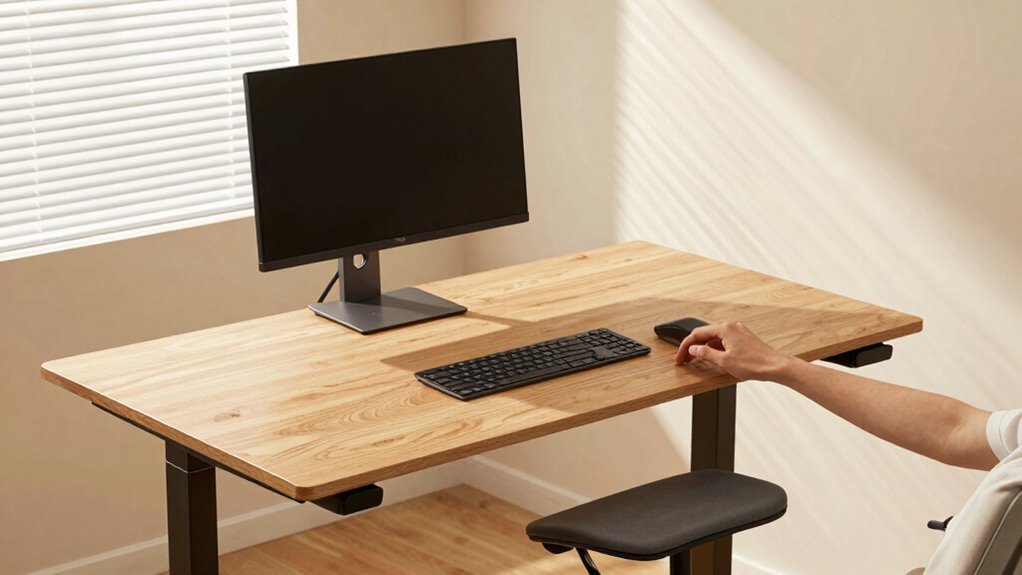

To prevent pain at your standing desk, set the height so your elbows are bent at about 90°, with your forearms parallel to the floor. Keep your monitor at eye level, directly in front of you, about an arm’s length away. Make sure your hips are level or slightly higher than your knees, and support your lower back with an adjustable chair when sitting. Correct adjustments promote comfort and reduce strain—learn more about perfecting your setup below.
Key Takeaways
- Adjust desk height so elbows are bent at approximately 90°, with forearms parallel to the floor.
- Set monitor at eye level and directly in front to prevent neck twisting and strain.
- Ensure the desk surface allows wrists to stay neutral, avoiding bending up or down.
- Maintain proper posture by supporting the lower back with an adjustable chair when seated.
- Use the chair as a backup when standing to support transitions and promote correct hip and knee alignment.
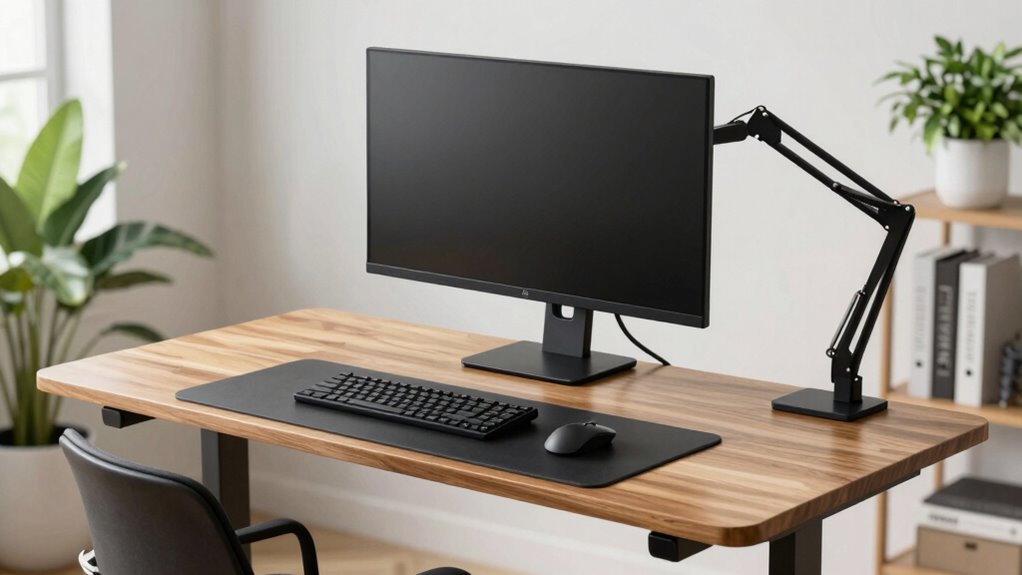
Standing desks can boost your productivity and reduce sitting-related health risks, but only if you set them up correctly. Proper desk positioning is essential to guarantee you’re comfortable and avoid strain. First, adjust the height of your standing desk so that your elbows are bent at about a 90-degree angle when your hands rest comfortably on the surface. Your forearms should be parallel to the floor, and your wrists should remain in a neutral position, not bent up or down. This setup helps prevent shoulder and neck tension and minimizes fatigue during extended periods of standing. Don’t forget to check your monitor’s height as well; it should be at eye level to prevent neck strain. Positioning your monitor directly in front of you, about an arm’s length away, reduces the need to tilt your head or twist your neck. Your workspace should be arranged to promote ergonomic principles, ensuring optimal comfort and safety.
Your chair adjustments are just as critical, especially if you alternate between sitting and standing. When seated, ensure your chair supports your lower back, maintaining the natural curve of your spine. Adjust the chair height so your feet rest flat on the floor or on a footrest, with your knees bent at roughly 90 degrees. This prevents pressure on your thighs and promotes good circulation. When switching to standing, make sure your chair is close enough to serve as a backup and that it’s adjusted to keep your hips level or slightly higher than your knees, promoting proper posture. Keep your hips and knees aligned, avoiding leaning heavily on the chair’s arms, which can lead to poor posture.
Frequently Asked Questions
How Often Should I Adjust My Standing Desk Height Throughout the Day?
You should adjust your desk height regularly throughout the day, ideally every 30 to 60 minutes, to maintain ergonomic posture guidelines. By making consistent desk height adjustments, you prevent strain and promote comfort. Listen to your body—if you feel discomfort or your posture shifts, it’s time to readjust. Staying mindful of ergonomic principles guarantees you stay pain-free and productive during long periods of standing.
What Are the Signs My Standing Desk Is Set at the Wrong Height?
If your desk posture feels like a constant battle, your standing desk might be set wrong. Signs include neck strain, shoulder pain, or your arms feeling awkwardly elevated or drooping. You might also find yourself leaning forward or backward, which indicates improper height. An ergonomic assessment can help you identify the issue. Keep your monitor at eye level, elbows at 90 degrees, and feet flat to prevent discomfort and maintain proper ergonomic alignment.
Can Standing Desks Help With Existing Back Pain or Only Prevent It?
Standing desks can help with existing back pain through proper ergonomic adjustments. By customizing the desk height and positioning your monitor and keyboard correctly, you promote better posture and reduce strain. This back pain relief comes from actively maintaining ergonomic habits, preventing further discomfort. Keep in mind, combining standing with regular movement and stretches enhances benefits, making your workspace more supportive and pain-free over time.
How Do I Incorporate Movement Into My Standing Desk Routine?
You should incorporate movement into your standing desk routine by taking regular stretch breaks every 30 minutes. During these breaks, stretch your arms, legs, and back to reduce stiffness. Pay attention to foot positioning—shift your weight between both feet or use a anti-fatigue mat to keep comfortable. Moving around briefly helps prevent muscle strain, boosts circulation, and keeps you alert throughout your workday.
Are There Specific Accessories to Improve Ergonomics at a Standing Desk?
Yes, you can use desk accessories for ergonomic enhancements at your standing desk. Items like a monitor riser or adjustable keyboard tray help maintain proper alignment, reducing strain. Anti-fatigue mats support your legs and improve comfort during long periods of standing. Additionally, wrist rests and cable management tools keep your workspace organized and ergonomic. Incorporating these accessories guarantees better posture, less discomfort, and a healthier standing desk experience.
Conclusion
By following these standing desk height rules, you can prevent discomfort and boost productivity. Did you know that sitting for more than six hours a day increases your risk of chronic diseases by 18%? Adjusting your desk correctly is a simple step toward better health. Stay mindful of your posture, make those small tweaks, and enjoy the benefits of a comfortable, ergonomic workspace that keeps pain at bay. Your body will thank you!