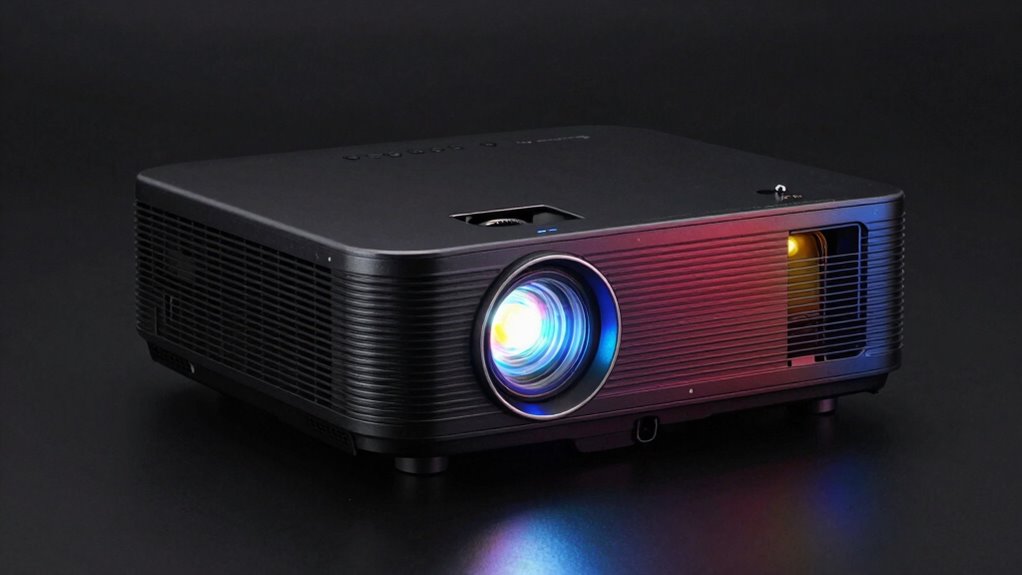

Many people assume higher lumens automatically mean brighter pictures, but without good contrast, images can still look dull or washed out. Conversely, focusing only on contrast can ignore how loud or bright a projector is in a well-lit space. To get the best picture, you need a balance of brightness, contrast, resolution, and noise levels. Keep exploring to understand how these specs work together for your ideal setup.
Key Takeaways
- Many assume higher lumens always mean a better projector, but contrast ratio impacts image depth and color richness more significantly.
- Overemphasizing lumens can lead to choosing a projector that is too bright for dark rooms, sacrificing contrast and detail.
- Contrast ratio determines the perceived depth and vibrancy, often more crucial for image quality than brightness alone.
- People often misread specs by focusing on lumens without considering how contrast affects overall picture sharpness and realism.
- Balancing both lumens and contrast is essential; neglecting either can result in dull images or washed-out visuals.
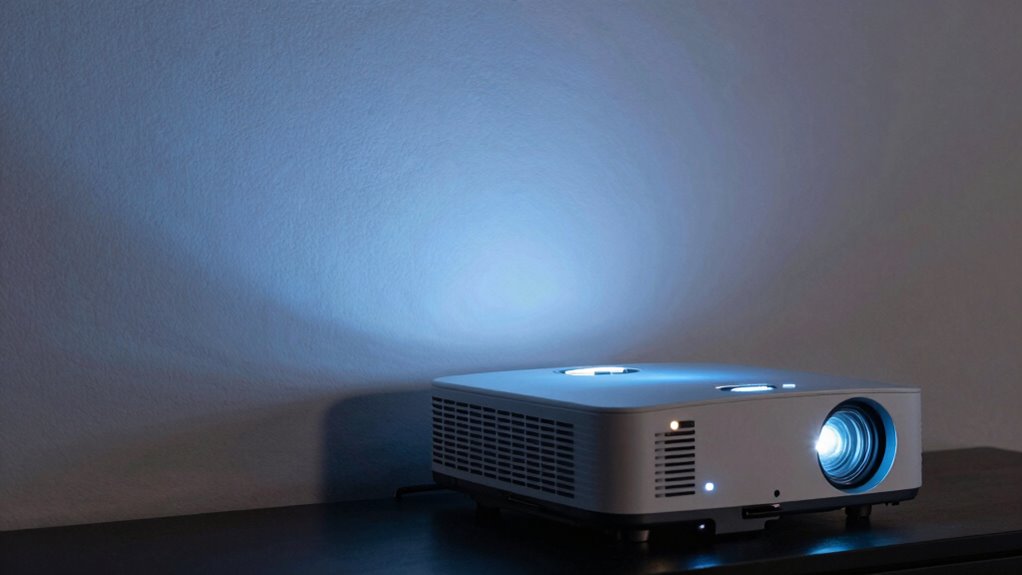
When choosing a projector, understanding the difference between lumens and contrast is vital, as these two factors directly impact image quality. However, many people overlook other critical specifications like image resolution and noise levels, which can substantially influence your viewing experience. High lumens help your projector produce bright images, especially in well-lit rooms, but without a good contrast ratio, the picture can look flat or washed out. Conversely, a high contrast ratio enhances the depth and richness of colors, creating a more immersive image. To get the best picture, you need a balance between brightness and contrast, but don’t forget about image resolution. The resolution determines how sharp and detailed your image appears. A higher resolution, like 1080p or 4K, will give you crisper visuals, making details pop and reducing pixelation. If you opt for a projector with low resolution, even a bright and high-contrast image might look blurry or pixelated, especially on larger screens. Noise levels are another often-underestimated factor. A projector with high noise levels can be distracting, especially during quiet scenes or when you’re trying to focus on a presentation. Quiet operation is essential if you want an immersive experience without background hums or whines disrupting your viewing. When comparing projectors, pay attention to both image resolution and noise levels alongside lumens and contrast. A projector with excellent specs in all these areas will give you a clearer, more vibrant picture without unnecessary distractions. Keep in mind that a projector with high lumens but poor image resolution may fail to deliver sharp visuals, defeating the purpose of a bright image in the first place. Similarly, a projector with superb contrast but high noise levels can ruin an otherwise enjoyable viewing session. Balancing these specifications according to your environment and usage is key. For instance, if you’re setting up in a bright room, prioritize higher lumens, but don’t neglect resolution and noise. If you’re watching movies in a dark room, contrast and resolution become more critical. Ultimately, understanding the interplay between lumens, contrast, image resolution, and noise levels will help you select a projector that truly meets your needs. Don’t get caught up in just the numbers for brightness and contrast—look at the full picture to guarantee your investment delivers the best possible viewing experience. Additionally, considering the color accuracy of the projector ensures that the colors you see are true to life, further enhancing overall image quality.
Frequently Asked Questions
How Does Ambient Light Affect Projector Image Quality?
Ambient light can markedly reduce your projector’s image quality by washing out colors and decreasing contrast. When there’s too much ambient light, you might notice glare that makes the screen harder to see clearly. To get the best picture, you should control ambient light levels — dim the room or use blackout curtains. This way, you’ll enjoy vibrant images without projector glare interfering with your viewing experience.
Can a High Contrast Ratio Compensate for Low Lumens?
A high contrast ratio can’t fully compensate for low lumens, as lumen importance lies in brightness, especially in well-lit rooms. Contrast enhancement improves image depth and black levels, but if your projector lacks sufficient lumens, the picture will be dim and hard to see. For ideal quality, balance both high lumens and contrast ratio, ensuring your projector performs well even in ambient light.
What Are the Best Projector Settings for Bright Rooms?
Think of your projector as a chameleon—adapting to bright rooms with the right settings. You should increase the brightness or lumens setting, enable keystone correction to maintain image shape, and adjust color accuracy for vivid visuals. Use a high lamp mode if available, and make certain the screen is matte to reduce glare. These tweaks will help your projector perform at its best in bright environments, delivering clear, vibrant images.
How Often Should I Clean or Replace Projector Filters?
You should clean or replace your projector filters every 3 to 6 months, depending on usage and environment. Regular filter maintenance helps prevent dust buildup, which can reduce image quality and cause overheating. Keep an eye on your filters for visible dirt or clogging, and follow your manufacturer’s replacement frequency guidelines. Doing this guarantees your projector runs smoothly and maintains peak brightness and contrast for your viewing experience.
Do Projector Screens Improve Image Quality More Than Specs?
Think of a projector screen as a vintage, crystal-clear filter for your image—like a Polaroid capturing perfect moments. You’ll notice that a good screen surface enhances contrast and color vibrancy more than just specs alone. When you choose the right screen size and projection surface, your image sharpness and brightness improve markedly, making your viewing experience more immersive. So, a quality screen truly elevates your setup beyond mere technical specs.
Conclusion
Think of choosing a projector like picking a window for your room. Lumens are the sunlight pouring in—bright but not everything. Contrast is the shadows that give depth and richness to what you see. Ignoring one is like closing your curtains on a sunny day or leaving the blinds open in darkness. To get the perfect view, balance both. After all, a clear, vibrant picture depends on seeing the full picture—bright and deep.