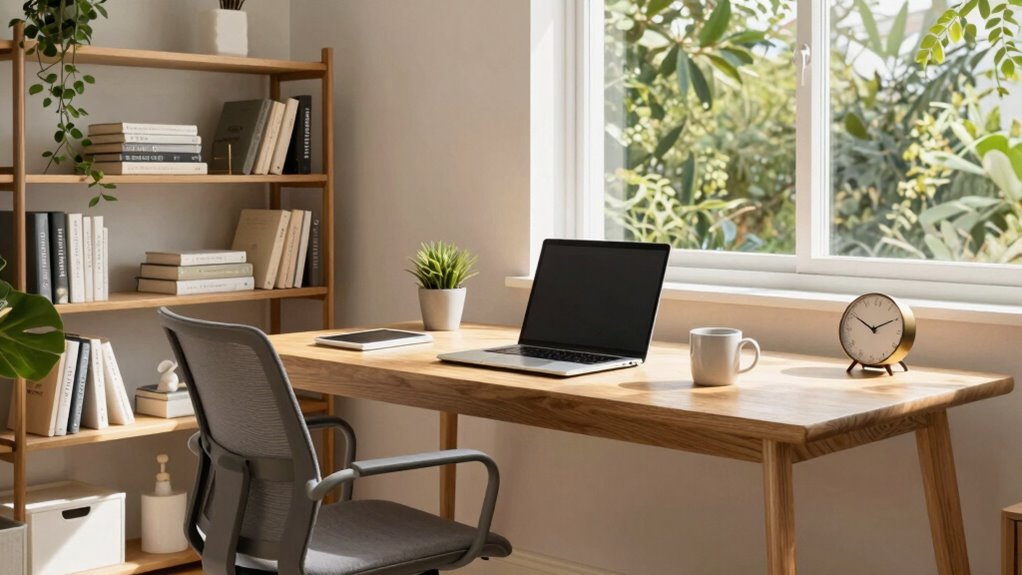

To budget for a productive home office, focus on essential ergonomic furniture like an adjustable chair and space-saving desk to promote comfort. Invest in reliable, high-speed internet and quality tech accessories—monitors, keyboards, and mice—that boost efficiency. Use good lighting and organize with shelves or storage to keep your space tidy. Prioritize items that save you time and reduce discomfort, balancing quality and affordability. Keep exploring for more tips to create a workspace that works for you.

Get everyday essentials delivered free — and shop member deals
- Fast, free delivery on millions of items
- Access to Prime Big Deal Days deals on October 6–7
- Prime Video, Amazon Music and more included
Key Takeaways
- Prioritize ergonomic furniture and technology upgrades to enhance comfort and efficiency long-term.
- Allocate funds for quality lighting and visual equipment to reduce eye strain and improve focus.
- Invest in organizational tools and decorative elements to create an inviting, clutter-free workspace.
- Research affordable, durable solutions for internet and tech needs to ensure reliable connectivity.
- Balance spending on essential items and space-saving furniture for a cost-effective, productive environment.
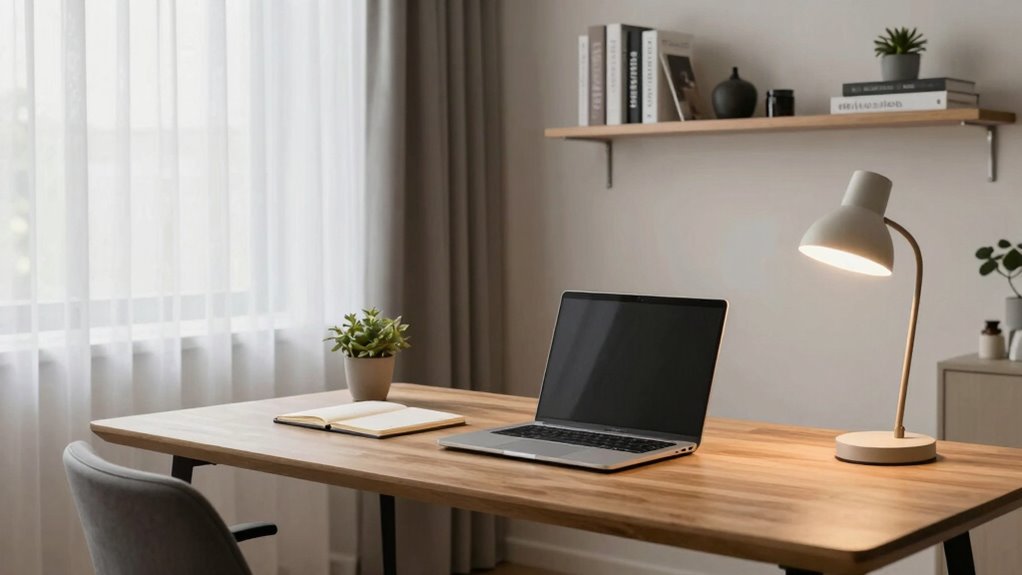
Creating a home office can boost your productivity and comfort, but it’s fundamental to plan your budget carefully. The first step is to identify what items are necessary for an efficient workspace. Investing in ergonomic furniture is essential because it supports your health and helps prevent discomfort or injury over time. Look for a comfortable chair with adjustable height, lumbar support, and breathable fabric. Pair it with a desk that fits your space and allows you to work comfortably without feeling cramped. While ergonomic furniture might seem like a larger upfront expense, it pays off in the long run by keeping you comfortable and focused during long work sessions.
Next, consider the technology essentials that will keep your work seamless. A reliable, high-speed internet connection is indispensable for productivity. Without it, you risk lagging video calls, slow downloads, and interrupted workflows. When budgeting, prioritize upgrading or installing a high-speed internet plan that can handle your daily demands, especially if multiple devices connect simultaneously. You might also need to invest in a Wi-Fi extender or a mesh network system if your home’s layout causes dead zones. Although these costs can add up, they’re necessary to guarantee smooth communication and access to cloud-based tools. High-speed internet is the backbone of a productive home office setup. Additionally, researching cost-effective solutions can help you find quality options that fit your budget. Incorporating proper wiring and cable management can also improve safety and reduce clutter in your workspace.
In addition to furniture and internet, allocate funds for other essentials like a quality monitor or laptop, keyboard, mouse, and proper lighting. These items enhance your comfort and efficiency, so don’t skimp on quality where it matters most. Consider a monitor with adjustable height and good resolution to reduce eye strain. Proper lighting, such as a desk lamp with adjustable brightness, helps prevent fatigue and improves focus. As you budget, keep in mind that investing in these essentials can save you time and discomfort later, making your home office a true productivity hub. Incorporating ergonomic accessories can further improve your overall comfort and support sustained focus during long work hours. Moreover, choosing versatile and space-saving furniture can help optimize smaller work areas without sacrificing comfort or style.
Finally, don’t forget to set aside some funds for décor and organizational tools. A tidy, inviting space can boost motivation and concentration. Budget for shelves, storage containers, or a corkboard to keep your workspace organized. Small touches like plants or artwork can make the environment more pleasant without breaking the bank. Remember, creating a dedicated, comfortable workspace isn’t just about the big-ticket items; the right finishing touches can make your home office a place where you genuinely want to spend time. By carefully balancing your spending on ergonomic furniture, high-speed internet, and essential accessories, you’ll create a home office that’s both functional and inspiring.
ergonomic adjustable office chair
As an affiliate, we earn on qualifying purchases.
As an affiliate, we earn on qualifying purchases.
Frequently Asked Questions
How Can I Maximize Small Budgets for a Home Office?
You can maximize a small budget by focusing on decorating essentials that boost comfort and motivation, like ergonomic chairs or good lighting. Prioritize technology upgrades such as a reliable internet connection and a quality webcam if needed. Shop smart by looking for discounts or secondhand items, and repurpose existing furniture. Small investments in decor and tech can substantially improve your workspace without breaking the bank.
What Are Cost-Effective Ways to Improve Home Office Lighting?
You can improve your home office lighting cost-effectively by maximizing natural light. Position your desk near windows and keep window treatments light and airy to let in more sunlight. Supplement with energy-efficient LED bulbs that mimic natural light, reducing eye strain and boosting productivity. Use reflective surfaces and light-colored walls to enhance brightness without extra costs. These simple steps make your workspace brighter and more comfortable on a budget.
How Do I Prioritize Essential Home Office Equipment?
You need to cut through the clutter and focus on essentials like a sturdy desk, ergonomic chair, and reliable tech. Prioritize essential accessories such as quality headphones or a webcam, and plan for technology upgrades that boost efficiency. Spend your budget wisely—invest in items that truly elevate your work from home experience, rather than overspending on non-essentials. This way, your home office becomes a powerhouse of productivity.
Are There Budget-Friendly Options for Ergonomic Furniture?
Yes, there are budget-friendly options for ergonomic furniture. You can find affordable ergonomic solutions like adjustable chairs, footrests, and sit-stand desks online or at local stores. Look for quality used or refurbished pieces to save more money. Prioritize key items that offer good support, and consider DIY adjustments, like adding cushions or lumbar supports, to improve comfort without overspending. This way, you enhance productivity without breaking the bank.
How Can I Save on Ongoing Home Office Expenses?
You can save on ongoing home office expenses by investing in affordable upgrades and DIY improvements. Avoid costly renovations by repurposing existing furniture or adding simple accessories like better lighting or cable management solutions. Regularly compare prices for supplies, use energy-efficient devices, and set a budget for tech upgrades. These small, cost-effective steps help you maintain a productive workspace without overspending, making your home office both efficient and budget-friendly.
Conclusion
So, you’ve budgeted perfectly for your home office—only to realize that a fancy desk and high-end chair won’t boost your productivity if your Wi-Fi keeps crashing. Ironically, sometimes the simplest, most affordable upgrades, like better organization or a cozy corner, make the biggest difference. Remember, it’s not about how much you spend, but how wisely you use what you’ve got. After all, a budget-friendly space can be your most productive one yet!
Halloween Picks
halloween
As an affiliate, we earn on qualifying purchases.